
Red Dead Redemption 2 Motion Sickness: Why It Happens & What Helps
Almost every report of motion sickness in Red Dead Redemption 2 comes from first person, and first person is optional. If you want to keep it, the game hands you three controls in one menu and most players never open it: First Person Field of View starts narrow, First Person Head Bobbing starts at Normal, and First Person Auto Level Camera drags your view back to eye level every time you move forward. Change all three and the mode becomes a different game. Menu names were checked in September 2026, and Rockstar has moved options between updates, so confirm yours in the game.
The quick fix: Turn off first person auto level camera in Red Dead Redemption 2 (Settings, Camera).
Still queasy with first person auto level camera off? Dizzout runs on your phone: pause, move your headphones over and press play, with relief in about 90 seconds.Starts in your browser · works with any headphones
Calm game nausea. Get your personalized Dizzout plan. Paid subscription for full access.

On your phone? Scan to start there.
PC, PlayStation, Xbox · third-person, with a first-person mode · Has comfort settings · Player-reported motion-sickness risk: commonly reported by motion-sensitive players.
- Low
- Moderate
- High
- Very high
Risk levels summarise what passengers and riders commonly report, not measured testing.
Key facts
- Red Dead Redemption 2 runs on PC, PlayStation, Xbox.
- The camera is third-person, with a first-person mode.
- Player reports place it in the moderate band for motion sickness.
- The game ships a full set of comfort settings.
- 5 specific settings are listed on this page, starting with First Person Field of View.
Why Red Dead Redemption 2 can trigger motion sickness
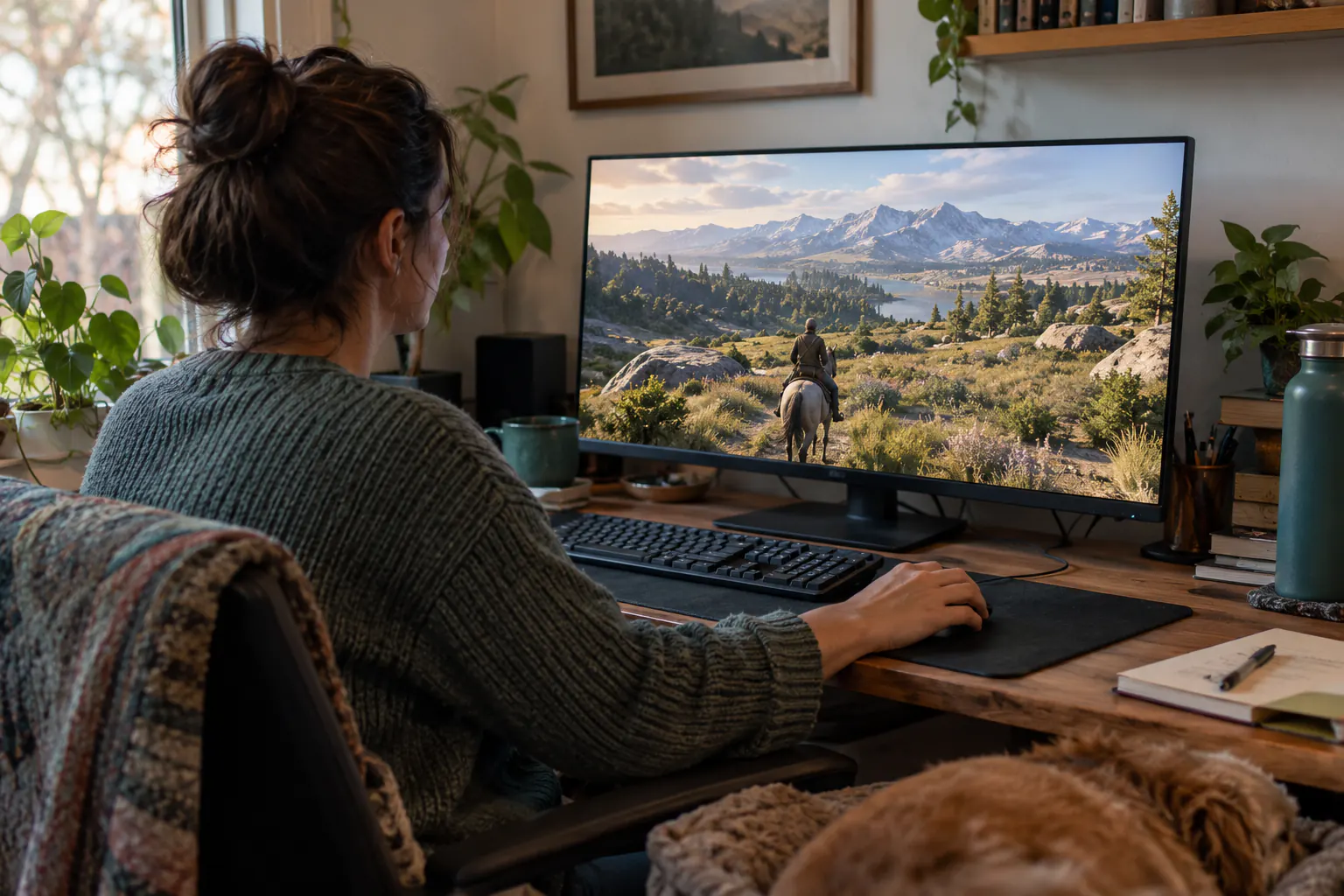
Riding is one long camera pan. You are on a horse for a large share of this game, the ground rolls under you, and the world slides past at a constant rate for minutes at a time, which is already the shape that gets people. First person then adds three things on top. The field of view starts low, so the world arrives through a narrow window and everything reads as faster than it is. Head bobbing sways the view with every stride, feeding your eyes a rhythm your body is not producing. Auto level pulls the camera back to the horizon whenever you push forward, which means the view moves while your hands are still. Third person removes all three at once, which is why the same player can ride for hours in one camera and last ten minutes in the other.
- A narrow default first-person field of view, which makes ordinary riding feel fast
- First-person head bobbing at its Normal setting, swaying with every step and every stride
- Auto level camera, which pulls your view back to eye level as you move forward
- Long rides, where the camera pans continuously with nothing still to rest your eyes on
- Motion blur, which softens the frame exactly while it is moving
Stop play before leaving the sofa
For adult players: put the controller down and take the headphones off. Prepare ordinary headphones for Dizzout after stopping play.
Free to download. Paid subscription for full access.
30,000+ travelers in 30+ countries · How we count

On your phone? Scan to start there.
Comparing apps first? See how the motion sickness apps compare
Comfort settings in Red Dead Redemption 2
Red Dead Redemption 2 ships a full set of comfort settings.
| Setting | Where | Recommendation |
|---|---|---|
| First Person Field of View | Settings, Camera | Raise it. The default is narrow enough that the world looks like it is coming through a window, and narrow views make ordinary speed feel urgent |
| First Person Head Bobbing | Settings, Camera | Reduced. Normal sways the camera with every step on foot and every stride on horseback |
| First Person Auto Level Camera | Settings, Camera | Off. With it on, moving forward centres the camera back to eye level whether or not you were looking there, which is motion you did not ask for |
| Motion Blur | Settings, Graphics | Off. A long ride is one continuous pan, which is where blur costs the most |
| Third person | In play, not a setting | The default camera, and the honest answer for many players. The whole game including combat works in it, so first person is a preference rather than a requirement |
How do I turn off first person auto level camera in Red Dead Redemption 2?
In Red Dead Redemption 2, open Settings, Camera, and set First Person Auto Level Camera to Off. With it on, moving forward centres the camera back to eye level whether or not you were looking there, which is motion you did not ask for.
How do I turn off motion blur in Red Dead Redemption 2?
In Red Dead Redemption 2, open Settings, Graphics, and set Motion Blur to Off. A long ride is one continuous pan, which is where blur costs the most.
One guide explains these settings for every game: how field of view, motion blur, head bob and camera shake trigger motion sickness.
Know someone who gets motion sick?
Send them the app that helps stop it, drug-free, in about 90 seconds, works with any headphones. Free to download.
What helps beyond the settings
- Set the three camera options in one go before your next ride, then judge them over a full journey rather than a minute
- Use fast travel and the cinematic camera on long rides instead of holding the stick for ten minutes
- Sit further back from the screen, especially on PC where the display is close
- A drug-free sound-therapy app like Dizzout is designed to help once symptoms have started, through any headphones
The fixes people reach for once they step away from the screen are covered separately, with the trials attached: the remedy verdicts.
Frequently asked questions
How do you reduce head bobbing in Red Dead Redemption 2?
Open Settings, go to Camera, and set First Person Head Bobbing to Reduced. The default is Normal, and it sways the view with every step you take and every stride your horse takes. It is the first of the three first-person camera settings worth changing, along with the field of view and auto level camera.
Does Red Dead Redemption 2 have a field of view slider on console?
There is a First Person Field of View setting under Settings, Camera, and it is available on console as well as PC. It only affects the first-person camera. The third-person camera has its own fixed framing and is not adjusted by this setting.
Should I just play Red Dead Redemption 2 in third person?
For a lot of people, yes. Nearly every report of sickness in this game comes from first person, and third person is the default camera the game was built around. Everything works in it, including gunfights and hunting. If you want first person for the atmosphere, change the field of view, head bobbing and auto level settings first and see how a full ride feels.
Other game motion-sickness guides
Sources & further reading
- https://www.gamerevolution.com/guides/450339-best-way-to-play-red-dead-redemption-2
- https://holdtoreset.com/how-to-turn-on-first-person-mode-in-red-dead-redemption-2-on-ps4/
- https://steamcommunity.com/app/1174180/discussions/0/2977404149645483069/
- https://steamcommunity.com/app/1174180/discussions/0/2257935717982537741/
Your next question, probably
Can you build tolerance?
Graded exposure, honestly assessed, so you can keep playing
Not your question? Is it your screen or your headset?
Based on publicly reported player experiences and each game's documented settings, as of July 2026. Settings menus change with updates, so check your version. Game names are trademarks of their respective owners; Dizzout is not affiliated with or endorsed by them. Motion-sickness sensitivity varies by person, so this is informational, not a game review or a substitute for a doctor's advice.