
The best motion sickness app in 2026, ranked
Dizzout ranks first in Dizzout's 2026 comparison for on-demand, drug-free relief across iOS and Android. Dizzout differs from every other app in this comparison: it is drug-free calibrated sound through any wired or Bluetooth headphones, it is built for use after symptoms have started rather than only prevention, and it is on both iOS and Android. The Dizzout app (iOS and Android, free to try) plays drug-free sound therapy through any headphones, wired or Bluetooth, with relief in about 90 seconds. It also keeps working with your eyes closed, which the visual-cue apps cannot: KineStop and Apple's Vehicle Motion Cues suit a car passenger looking at a screen, and Samsung Hearapy is Android only. With roughly 1 in 3 people highly susceptible to motion sickness, the right app depends on your platform and situation. The full ranking is below.
Dizzout is free to try on iOS and Android · about 90 seconds · works on any headphones.
 Scan to open on your phone
On a computer? Dizzout installs on your phone. Scan the code, or open dizzout.com/get on your phone and it'll take you straight to the right store.
Key facts
- Motion sickness apps split into two families: visual-cue apps that draw a moving reference on your screen, and audio-therapy apps that play calibrated sound through headphones.
- Visual-cue apps require the moving overlay to remain visible, so they are best suited to passengers who are reading or scrolling.
- Apple's Vehicle Motion Cues is built into iOS 18 and is free, at Settings > Accessibility > Motion.
- Samsung Hearapy is free on Google Play but is Android-only and tuned for Galaxy Buds, so it is not an option on an iPhone.
- Dizzout is drug-free, runs on any wired or Bluetooth headphones on both iOS and Android, and is designed to be used after symptoms start as well as before travel.
Looking for a specific platform?
Looking for your phone's built-in setting (the moving dots)?
- Motion sickness dots on Android →
- Motion sickness dots on Samsung →
- Android motion sickness setting →
- Vehicle Motion Cues on iPhone →
As of September 2026, Google's Motion Assist is rolling out to Galaxy phones on One UI 9 and is widely rolled out on Android 17 Pixels: what changed and how to turn it on.
Motion sickness apps fall into two categories: visual cue apps (which show a horizon or dots on screen to reduce sensory mismatch while you look at your phone) and audio therapy apps (which deliver sound through headphones to address the mismatch directly). Samsung's Hearapy launch in April 2026 put audio therapy on the map for millions of Android users, but it only works on Android and is optimized for Galaxy Buds. Here's the full picture.
Not sure which solution fits you?
Take the free 2-minute motion sickness test. See your susceptibility score and which triggers matter for you.
Take the test →The comparison table: six motion sickness apps side by side
Is there an app that helps with motion sickness? Yes, and they split into two families that suit different moments. Visual apps draw a moving reference on your screen, which makes them most relevant while a passenger is reading or scrolling. Audio apps play sound through headphones instead, so they can be used with your eyes closed and do not require watching a moving overlay. Dizzout is the audio option in the table below. The Dizzout app (iOS and Android, free to try) plays drug-free sound therapy through any headphones, wired or Bluetooth, with relief in about 90 seconds.
| App | Approach | Platforms | Designed for use after symptoms start | Works with any headphones |
|---|---|---|---|---|
| Dizzout | Sound therapy through headphones | iOS and Android | Yes, designed for it | Yes, any wired or Bluetooth pair |
| Samsung Hearapy | Sound through earbuds | Android (and any earbuds) | One session, no separate mode published | Yes, any earbuds |
| KineStop | Moving dots drawn on your screen | Android | May help while the moving overlay remains visible | Not applicable, it is visual |
| Carsick.App | Visual cues synced to a laptop screen | iOS and macOS | Not published | Not applicable, it is visual |
| Motion Cues | Moving dots drawn on your screen | Android | Not published | Not applicable, it is visual |
| Sense Relief | Wrist vibration at the P6 point | Apple Watch (with iPhone) | Not published | Not applicable, it is a wrist device |
No price column on purpose: app pricing changes often enough that a quoted number goes stale faster than the rest of the table. Where a maker has not published an answer, the cell says so rather than guessing.
How we ranked these apps
The ranking answers which listed app best fits someone who wants a drug-free option on either major phone platform after symptoms have started.
- Available on both iOS and Android
- Designed for use after symptoms start
- Usable without watching a screen
- Works without dedicated hardware
- Availability and limitations can be checked publicly
Dizzout publishes this comparison and Dizzout is included in it. The ranking is an editorial product-fit assessment, not independent clinical testing or a claim of universal medical superiority.
See the public facts and ranking record1. Dizzout: the sound therapy pick for iOS, Android and any headphones
Available on iOS and Android. Works with any headphones, wired or Bluetooth, with no special hardware required. It is free to try, with $7.99/month or $49.99/year and a separate 15-listen option. One of the very few sound therapy motion sickness apps on the iOS App Store. Designed to be used after symptoms have already started, which is one of the criteria behind this page's ranking.
Use the headphones you already own
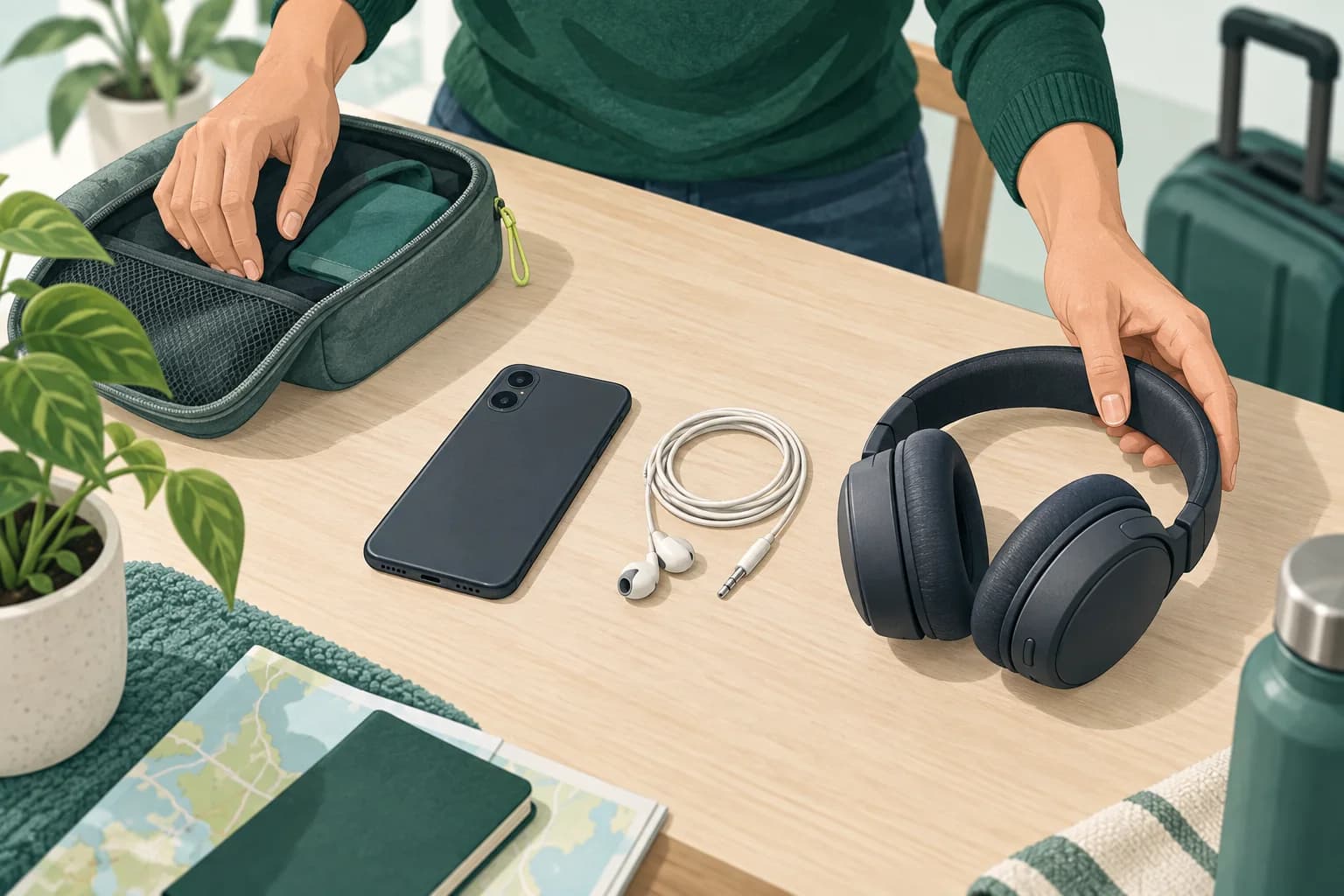
Dizzout works with the phone and wired or Bluetooth headphones you already own. Choose a pair you can pack easily.
Free to download. Paid subscription for full access.
Curious how susceptible you are? Take the free 2-minute test →
2. Samsung Hearapy: free on Android, tuned for Galaxy Buds
Android only. Launched April 2026. Free on Google Play. Works best with Galaxy Buds 4 Pro: the spatial audio features are optimized for Samsung hardware. Works in approximately 90 seconds. Not available on iPhone. Good free option for Android users who already own Galaxy Buds. If you don't own Samsung earbuds, effectiveness may be reduced. The app requires an Android device running a recent OS version. Galaxy Buds 4 Pro provide the full spatial audio experience the app is designed around, making hardware a real consideration for this option.
3. KineStop: the Android overlay for reading in the car
Visual horizon app. Android only. Shows a virtual horizon overlay while using your phone. Its store listing says the app may help prevent or ease travel sickness after a few minutes, but the moving overlay must remain visible. A solid choice if your primary concern is being able to read or use your phone during a car journey without triggering symptoms. It is Android only. For the full picture, including current listing details and its screen-use limitation, see our KineStop alternative guide.
4. Carsick.App: Best for Laptop Workers on Commutes
Generates visual patterns for your laptop screen. Requires phone + laptop to be paired simultaneously, which is a complex setup. Subscription required. Good for a specific niche (laptop workers who commute) but not practical for most travel scenarios. The dual-device requirement makes spontaneous use difficult. Our Carsick.App alternative guide covers how it compares.
5. Motion Cues: A Lightweight Android Overlay
Animated dot overlay on your screen to create a visual reference point. Updated May 2026. Google Play only. Works while using your phone, as a mild preventive aid while you look at the screen. A lightweight option that doesn't require any special hardware. Check its current store listing for device compatibility and pricing.
6. Sense Relief: An Apple Watch Option
Sense Relief uses wrist vibration through an Apple Watch rather than sound or moving dots. It may suit an iPhone user who already owns compatible watch hardware and prefers a wrist-based option. Public product information does not clearly state whether it is designed for use after symptoms start, so this comparison does not assume that it is.
What About iPhone's Built-In Vehicle Motion Cues?
Apple added Vehicle Motion Cues to iOS in 2024. Small animated dots on screen edges that respond to vehicle motion. Find it at Settings > Accessibility > Motion > Show Vehicle Motion Cues. Free and decent for mild symptoms while looking at your phone. It is primarily useful while you are looking at the screen. People with severe, persistent or new symptoms should seek medical advice rather than relying on an app alone. motion sickness.
What are you trying to fix?
Bottom Line
If you have Android and Galaxy Buds, Hearapy is a strong free option. If you have an iPhone, or any Android without Galaxy Buds, Dizzout is our top sound therapy pick, and it runs on whatever headphones you already own. For reading or working in a car, KineStop or Apple's built-in feature are good complements. Dizzout is the pick that covers both platforms on any headphones and, critically, is built to be used after symptoms have already started.
An app is one method out of nine. If you want the full picture before you install anything, our guide to how to stop motion sickness ranks every method by how fast it works once symptoms start, including the free ones that need no phone at all.
Best app by platform and price
The right pick depends on your phone and your budget. We've broken down the options for each:
- Best motion sickness app for Android including the Android-only options (KineStop, Samsung Hearapy) you won't find on iPhone.
- Best motion sickness app for iPhone covering how Apple's built-in Vehicle Motion Cues compares to a sound-therapy app.
- Best free motion sickness app an honest look at what's truly free versus free to try.
- Best car sickness app covering visual dots vs sound therapy for the back seat, kids, and road trips.
- Apps vs. pills, patches and remedies every motion sickness comparison, side by side.
- Motion sickness medications, explained covering what Dramamine, Bonine and the scopolamine patch each are, in plain English (educational, not medical advice).
Choosing for someone else?
Send them the comparison. Every option here is free to try.
FAQ
Is there a motion sickness app for iPhone?
Yes. Dizzout is on iOS and is one of the very few sound therapy motion sickness apps on the App Store. Samsung Hearapy is Android only.
Is there a motion sickness app for Android?
Yes. Dizzout works on Android as well as iOS, and Samsung Hearapy is Android only, so Android has more options here than iPhone does. Both use sound therapy through headphones rather than a screen overlay. See best motion sickness app for Android for the full side by side.
Does Samsung Hearapy work on iPhone?
No. Hearapy is only available on Android via the Google Play Store.
What is the best free motion sickness app?
Dizzout is free to try on iOS and Android. Samsung Hearapy is listed as a free Android option. Check each current store listing because access and pricing can change.
Does KineStop work?
Yes, for the specific job it was built for. KineStop, sometimes written as Kine Stop, overlays a virtual horizon while you read or scroll in a moving car, and that reading-in-the-car use is its clearest fit. Its store listing says it may help prevent or ease travel sickness after a few minutes, but the moving overlay must remain visible. It is also Android only, with no KineStop iOS app. On iPhone, the built-in Vehicle Motion Cues setting covers a similar screen-based use. Full rundown in our KineStop guide.
Does Android have a built-in motion sickness setting?
Android 17 introduces Motion Assist, a system motion-cues feature whose availability depends on device eligibility and staged delivery. Earlier Android versions generally need a third-party option. See does Android have a motion sickness setting? for the full answer, or the best motion sickness app for Android.
How to get motion sickness dots on Android
On Android the dots are Google's Motion Assist, a system feature that arrives with Android 17 and depends on device eligibility and staged delivery. As of September 2026 it is widely rolled out on Android 17 Pixels and rolling out to Galaxy phones on One UI 9. Earlier Android versions generally need a third-party option such as KineStop or Dizzout. Our Android motion sickness setting guide has the step-by-step for your phone.
Our data, one glance
What happens after you install
The whole first run, so you know what you're downloading.
Put on any headphones
Wired or Bluetooth, earbuds or over-ear. No special hardware, no pairing step, nothing to buy.
Tap play
One button. No account to create and no setup before you can use it.
Keep the phone still and listen
About 90 seconds. You can close your eyes, it doesn't need you to look at the screen, which matters when looking at a screen is what set you off.
See how you feel
Dizzout states relief in about 90 seconds. If they come back later in the journey, you can run another session.
The honest version: the app is free to download and gives you 3 free sessions to find out whether it works for you before anything is asked of you. It is not a medication, it will not suit everyone, and if a forward view and slow breathing are enough for you, use those first.
Stop motion sickness in about 90 seconds
Drug-free relief. Works in cars, planes, boats, and VR. Any headphones.
Curious how susceptible you are? Take the free 2-minute test →
About this article
by the Dizzout editorial team. The ranking is our own editorial judgement, based on platform coverage, whether an app is designed for use after symptoms start, and what hardware it needs. Platform and approach are read from our competitor data so they cannot drift from the individual comparison pages.
Brand names are trademarks of their respective owners. Dizzout is made by Kinda Smart Inc. and is not affiliated with or endorsed by any other app listed here.