
Escape from Tarkov Motion Sickness: Why It Happens & What Helps
Tarkov puts both of its comfort controls on the same screen, side by side, and neither one goes far enough. The Game tab holds a field of view slider that stops at 75 and a head bobbing slider that stops at 0.2, not 0. Most of the player base drags head bobbing to that floor on day one, and plenty still report the sprint sway getting to them, because the slider reduces the motion instead of removing it. Knowing that is worth more than another list of graphics tweaks: this is a game where the settings help and then stop. Checked September 2026, and the settings menu has been reorganised before, so confirm yours in the raid.
Before your next session with Escape from Tarkov: Dizzout runs on your phone: pause, move your headphones over and press play, with relief in about 90 seconds.Starts in your browser · works with any headphones
Calm game nausea. Get your personalized Dizzout plan. Paid subscription for full access.

On your phone? Scan to start there.
PC · first-person · Partial settings · Player-reported motion-sickness risk: one of the most commonly reported triggers in gaming.
- Low
- Moderate
- High
- Very high
Risk levels summarise what passengers and riders commonly report, not measured testing.
Key facts
- Escape from Tarkov runs on PC.
- The camera is first-person.
- Player reports place it in the high band for motion sickness.
- The game ships some comfort settings, but not a full set.
- 4 specific settings are listed on this page, starting with Head Bobbing.
Why Escape from Tarkov can trigger motion sickness
Raids are long, quiet, and then very fast. You spend twenty minutes moving carefully, which is when head bob has time to work on you, and then thirty seconds of sprinting and turning that your body registers as nothing at all. Head bob is the specific problem here because Tarkov's is a full weight shift rather than a gentle sway, and the slider floors at 0.2 rather than off, so even at minimum the camera keeps moving with your feet. The field of view ceiling of 75 is the other half. In a game where you are often indoors, in corridors, checking corners, a narrow view means every turn sweeps most of what you can see. Add a session that cannot be paused, because a raid is live until you extract or die, and you have a game that gives you no natural moment to stop when you start to feel it.
- Head bobbing that floors at 0.2 rather than off, so the camera keeps moving with your steps
- Sprinting, where the weight shift is largest and players report it persists at the minimum setting
- A field of view ceiling of 75, tight for a game played in corridors and doorways
- Raids you cannot pause, so there is no safe moment to stop once symptoms start
- Leaning and free look, which move the view sideways without moving your body
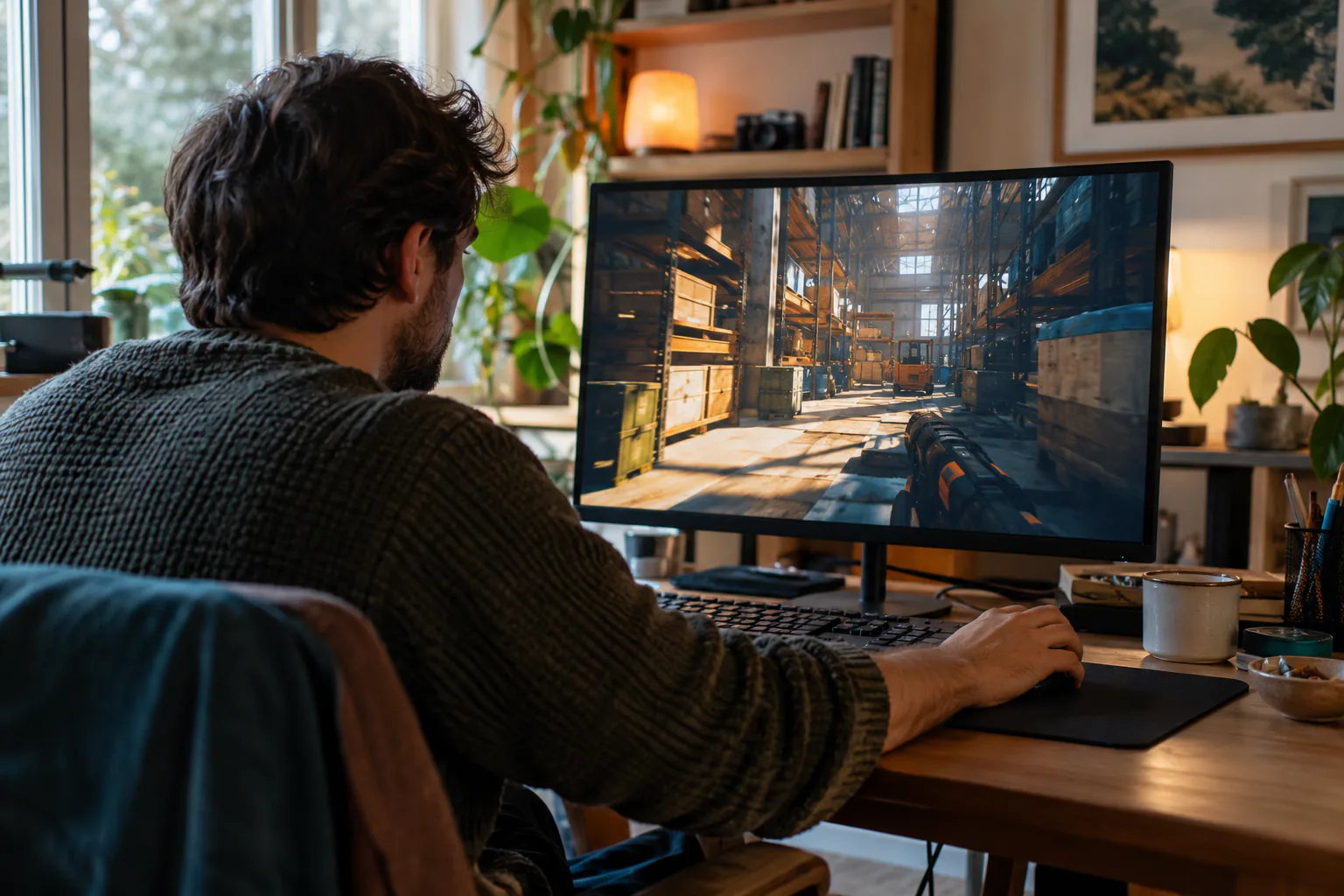
Before your next session with Escape from Tarkov, have Dizzout ready
Calm game nausea
Dizzout runs on your phone: pause, move your headphones over and press play, with relief in about 90 seconds. It plays precisely calibrated audio through any headphones you already own, wired or Bluetooth. Free to download.
Get your personalized Dizzout plan. Paid subscription for full access.
30,000+ travelers in 30+ countries · How we count

On your phone? Scan to start there.
Comparing apps first? See how the motion sickness apps compare
Comfort settings in Escape from Tarkov
Escape from Tarkov ships some comfort settings, but not a full set.
The head bobbing slider stops at 0.2, not at zero, so Tarkov has no way to switch head bob off. Players commonly report that sprinting still sways the view at the minimum value. If head bob is your trigger, this game gives you a reduction and nothing more, which is worth knowing before you spend an evening hunting for a setting that does not exist.
| Setting | Where | Recommendation |
|---|---|---|
| Head Bobbing | Settings, Game tab | 0.2, the minimum. It sits just under the field of view slider. This is the single largest change available, and it reduces the sway rather than removing it |
| Field of View | Settings, Game tab | 75, the maximum, if a tight view is what bothers you. It also makes targets smaller, so some players prefer 60 to 65 and accept the narrower window |
| Aiming deadzone | Settings, Game tab | Worth a look while you are on this screen. It sits directly above the field of view slider and changes how much small movement translates into camera movement |
| Free look and leaning | In play, not a setting | Use them in short taps rather than holding them while moving. Sideways camera motion while your body is still is the least comfortable input in the game |
Where is the aiming deadzone setting in Escape from Tarkov?
In Escape from Tarkov, the Aiming deadzone setting is in Settings, Game tab. It sits directly above the field of view slider and changes how much small movement translates into camera movement.
One guide explains these settings for every game: how field of view, motion blur, head bob and camera shake trigger motion sickness.
Know someone who gets motion sick?
Send them the app that helps stop it, drug-free, in about 90 seconds, works with any headphones. Free to download.
What helps beyond the settings
- Set head bobbing to 0.2 and the field of view where you want it in the same visit, before your next raid
- Take a real break between raids rather than queuing straight back in
- Walk more and sprint in shorter bursts, since the sway is largest at a sprint
- A drug-free sound-therapy app like Dizzout is designed to help once symptoms have started, and you are already wearing headphones for footsteps
The fixes people reach for once they step away from the screen are covered separately, with the trials attached: the remedy verdicts.
Frequently asked questions
Can you turn head bob off in Escape from Tarkov?
No. The head bobbing slider in the Game tab has a minimum of 0.2, so it can be reduced but not switched off. Most players run it at that minimum. If sprinting still sways the view for you at 0.2, that is the floor of what the setting can do, and the remaining answer is session length rather than another menu.
What is the highest FOV in Escape from Tarkov?
75. The slider sits at the bottom of the Game tab, between aiming deadzone and head bobbing, and 75 gives the widest peripheral view the game allows. Wider also makes targets look smaller, which is why some players deliberately run 60 to 65 and accept the tighter window.
Why does Tarkov make me sick when other shooters do not?
Two things at once. The head bob is heavier than most shooters and cannot be turned off, and the field of view stops at 75, which is narrow for a game played indoors. On top of that a raid cannot be paused, so there is no natural point to stop when symptoms start. Setting head bobbing to 0.2 and widening the view handles a share of it, and shorter raids handle the rest.
Other game motion-sickness guides
Sources & further reading
- https://www.gamersdecide.com/articles/escape-from-tarkov-best-settings-3
- https://forum.escapefromtarkov.com/topic/121778-running-head-bobbing-and-motion-sickness/
- https://devtrackers.gg/escapefromtarkov/p/f6cfd198-headbobing-motion-sickness
- https://forum.escapefromtarkov.com/topic/38816-motion-sickness/
Your next question, probably
Can you build tolerance?
Graded exposure, honestly assessed, so you can keep playing
Not your question? Is it your screen or your headset?
Based on publicly reported player experiences and each game's documented settings, as of July 2026. Settings menus change with updates, so check your version. Game names are trademarks of their respective owners; Dizzout is not affiliated with or endorsed by them. Motion-sickness sensitivity varies by person, so this is informational, not a game review or a substitute for a doctor's advice.