
Shaky cam and 3D movie motion sickness: why it happens and what helps
Handheld shaky cam, large IMAX screens that fill your peripheral vision, and stereoscopic 3D that forces your eyes to converge differently all push strong visual motion at a still body, and the bigger the screen and closer the seat, the more of your vision moves. There is no device setting for a cinema screen, so seat choice and picking 2D do the work.
Cameras and footage · No built-in setting for this
Key facts
- Shaky cam, large IMAX screens and stereoscopic 3D all push strong visual motion at a still body.
- The bigger the screen and the closer the seat, the more of your vision moves, so seat choice matters.
- There is no cinema-screen setting; sitting back and center, and choosing 2D over 3D, are the fixes.
Try Dizzout free. It runs on your phone, not on the machine you are playing on. Drug-free, and it works once symptoms start.Free · works with any headphones · no account to try
Ease screen motion sickness. Free to try, no card needed. Or go straight to the App Store or Google Play.
 Scan to open on your phone
On a computer? Dizzout installs on your phone. Scan the code, or open dizzout.com/get on your phone and it'll take you straight to the right store.
Why the cinema sets people off
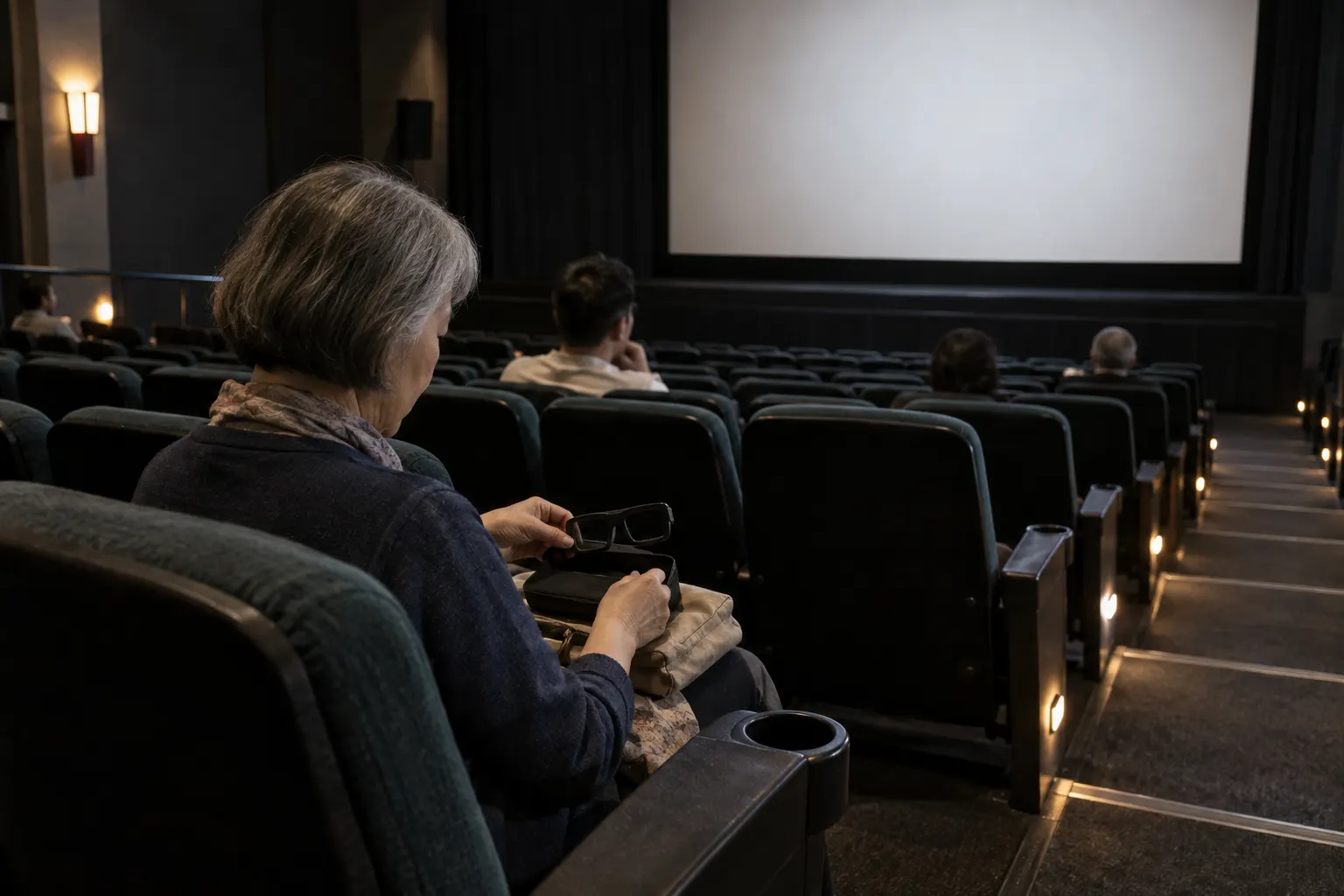
Handheld shaky cam action, large IMAX screens that fill your peripheral vision, and stereoscopic 3D that forces your eyes to converge in unfamiliar ways all push strong visual motion at a body that is sitting still. The bigger the screen and the closer your seat, the more of your field of view is filled, and the stronger the effect.
What actually helps
There is no built-in setting for this. There is no setting for a cinema screen. Seat choice and picking a 2D showing over 3D are the levers you have, and for 3D at home most players and TVs let you disable it.
- Sit farther back and toward the center, so less of your field of view is filled.
- Skip 3D for a 2D showing when the film is motion-heavy.
- During the worst sequences, look at a fixed point near the edge of the screen, and step into the lobby for a break if you need one.
- For 3D at home, most players and TVs let you disable 3D outright.
See also: the named films with warnings and press reports on record, from Cloverfield to 1917, film by film.
Frequently asked questions
Why do shaky cam or IMAX movies make me feel sick?
Handheld shaky cam swings the whole frame, a large IMAX screen fills your peripheral vision, and 3D forces your eyes to converge in unfamiliar ways. All three push strong visual motion at a body that is sitting still, which is the conflict behind motion sickness. The closer and bigger the screen, the more of your vision moves, so it hits harder in the front rows.
How do I avoid motion sickness at the movies?
Sit farther back and toward the center so less of your field of view is filled, and choose a 2D showing over 3D when the film is motion-heavy. During the roughest sequences, rest your eyes on a fixed point near the edge of the screen, and take a break in the lobby if you need one. At home, most players let you turn 3D off entirely.
Why does one film get me when others do not?
It comes down to how a film is shot, not how intense it is. Long handheld action sequences, rapid cutting between moving shots, and cameras mounted on vehicles or bodies all fill the screen with motion, and a film built on those will catch you where a steadier one will not. That is why the same person can sit comfortably through one action film and have to leave another.
Is 3D at home easier than 3D at the cinema?
Usually, because a TV across the room fills much less of your vision than a cinema screen does. The eye convergence part of 3D is still there, so if that is the part that bothers you, a smaller screen helps less than you would hope. Most home players and TVs let you turn 3D off outright, which the cinema cannot.
I feel sick after leaving the cinema. How long does that last?
For most people it eases within minutes to a couple of hours, once you are outside and moving. Fresh air, water and a walk rather than sitting all help it settle. Do not drive while you still feel dizzy, and wait until your head is clear. If it is still with you the next day, or comes back with no screen involved, see a doctor.
Set up before your next session with Shaky cam and 3D movie motion sickness
Put it on your phone
Dizzout runs on your phone, not on the machine you are playing on. Install it now, and when you next feel it starting, move the headphones you are wearing over to your phone and press play. Drug-free, and it works once symptoms have already begun.
Free to try, no card needed. Or go straight to the App Store or Google Play.
Scan to open on your phoneOn a computer? Dizzout installs on your phone. Scan the code, or open dizzout.com/get on your phone and it'll take you straight to the right store.
Know someone who gets motion sick?
Send them the app that helps stop it, drug-free, in about 90 seconds, works with any headphones. Free to try.
More screen triggers
Related
- What cybersickness isThe screen version of motion sickness, and the three symptom groups it comes in.
- Does your phone have a motion sickness setting?Which makers built one in, and what the built-in features cannot do.
- VR motion sickness (headset version)Why headsets trigger it, the comfort settings that help most, and how to build tolerance.
- Video game motion sickness, by gameThe 20 games players report most, each with the settings that help.
Your next question, probably
Does your phone have the setting?
iPhone, Samsung and Pixel, and what each one cannot do
If that is not your question:
Settings paths were checked at the makers' own support pages and at MDN as of August 2026, where a first-party source exists; the rest is labelled reported and dated. Device menus change with software updates and vary by model, so your own settings menu is the final word. Apple, Samsung, Sony, LG, TCL, Roku, Vizio, Amazon, TikTok, Instagram, Google and DJI are trademarks of their respective owners; Dizzout is not affiliated with or endorsed by them. Sensitivity varies from person to person; this page is informational and not medical advice.