
Dishonored 2 Motion Sickness: Why It Happens & What Helps
Dishonored 2's sneakiest trigger is the sprint zoom: the view punches in when you run, and players describe it as binoculars someone keeps refocusing. The head bob fix exists but hides in the wrong menu, a slider under Options > Gameplay rather than video, defaulting to 100, and players confirm zero removes the first-person camera shake. The sprint zoom itself has no official switch, only a community mod. Checked September 2026.
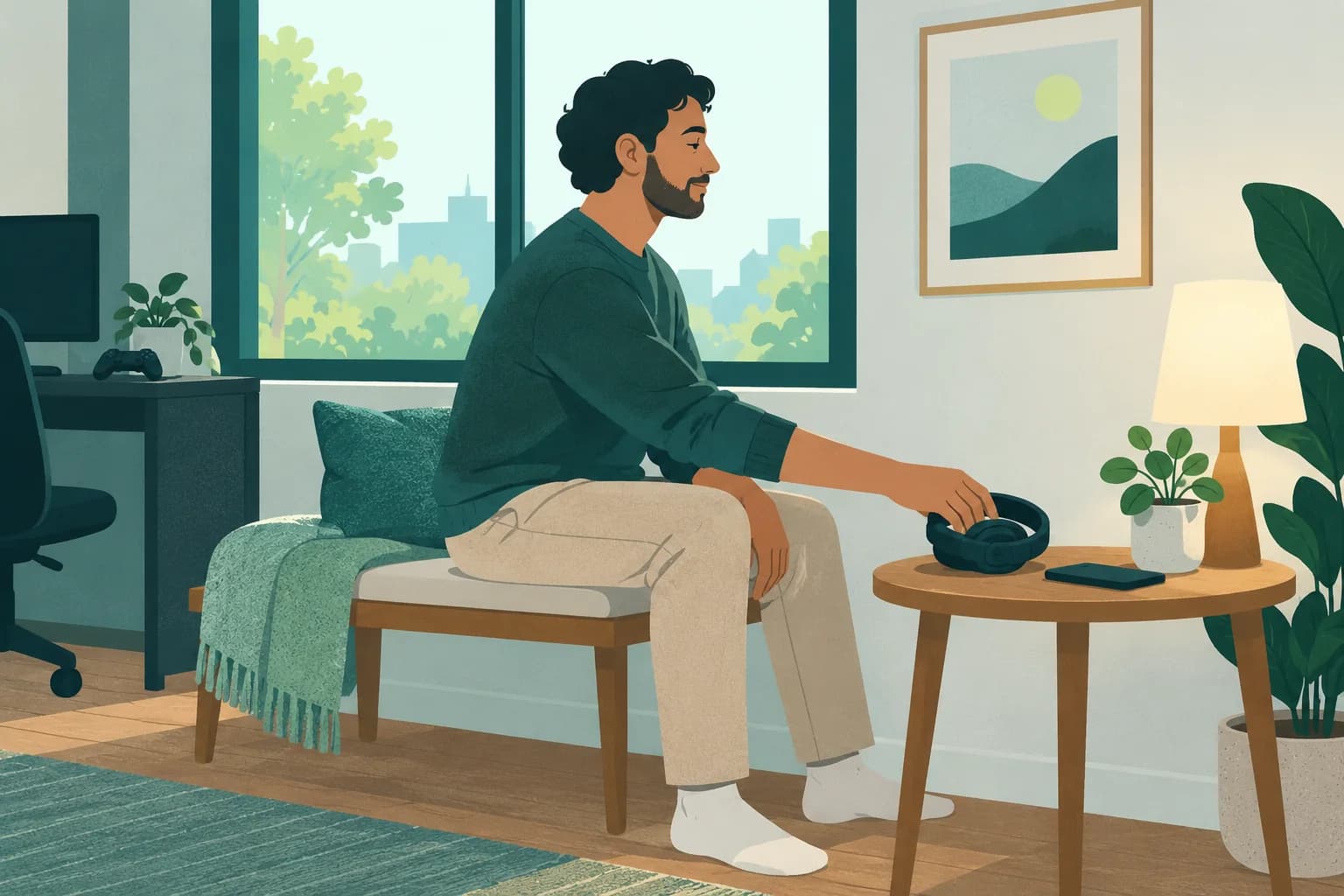
Before your next session with Dishonored 2: Dizzout runs on your phone: pause, move your headphones over and press play, with relief in about 90 seconds.Starts in your browser · works with any headphones
Calm game nausea. Get your personalized Dizzout plan. Paid subscription for full access.

On your phone? Scan to start there.
PC, PlayStation, Xbox · first-person · Partial settings · Player-reported motion-sickness risk: one of the most commonly reported triggers in gaming.
- Low
- Moderate
- High
- Very high
Risk levels summarise what passengers and riders commonly report, not measured testing.
Key facts
- Dishonored 2 runs on PC, PlayStation, Xbox.
- The camera is first-person.
- Player reports place it in the high band for motion sickness.
- The game ships some comfort settings, but not a full set.
- 3 specific settings are listed on this page, starting with Head bob.
Why Dishonored 2 can trigger motion sickness
The movement system is built for fluid chaining: sprint into slide, blink across a gap, drop from a roof. Each transition changes your speed, and the game marks sprint with a field of view zoom, so your view geometry shifts every time you accelerate. Repeated FOV changes are their own trigger, separate from bob, because each zoom re-scales the whole scene while your body feels nothing. The head bob slider calms the walking layer completely, which is why finding it matters, but the zoom persists through everything official, which is why this page cannot call the game fully fixable.
- The sprint FOV zoom re-scaling the view on every acceleration
- Head bob, on at 100 by default, in a game about constant movement
- Blink teleports producing sudden viewpoint jumps
- Lean and mantle animations taking the camera briefly
Give adult gaming breaks their own seat
Step away from the game before choosing an audio option. Adult players can prepare Dizzout and their headphones in a separate seated space.
Free to download. Paid subscription for full access.
30,000+ travelers in 30+ countries · How we count

On your phone? Scan to start there.
Comparing apps first? See how the motion sickness apps compare
Comfort settings in Dishonored 2
Dishonored 2 ships some comfort settings, but not a full set.
| Setting | Where | Recommendation |
|---|---|---|
| Head bob | Options > Gameplay, not the video menu | Slide it from the default 100 to 0. Players confirm zero removes the first-person camera shake, and the wrong-menu placement is why so many miss it |
| Field of view | Video settings | Raise it. A wider base view also shrinks the relative size of the sprint zoom punch |
| Sprint zoom | No official setting | A community mod removes the sprint FOV change on PC. Console players' official option is sprinting less, which the stealth systems happen to reward anyway |
How do I change the field of view in Dishonored 2?
In Dishonored 2, the Field of view setting is in Video settings. Raise it.
One guide explains these settings for every game: how field of view, motion blur, head bob and camera shake trigger motion sickness.
Know someone who gets motion sick?
Send them the app that helps stop it, drug-free, in about 90 seconds, works with any headphones. Free to download.
What helps beyond the settings
- Zero the head bob before your first mission; it is the one complete fix the menus offer
- Play stealthy on purpose when queasy: walking pace avoids the zoom trigger entirely
- Break between missions; the district maps run long for a stomach under load
- A drug-free sound-therapy app like Dizzout is designed to help once symptoms have started, through any headphones
The fixes people reach for once they step away from the screen are covered separately, with the trials attached: the remedy verdicts.
Frequently asked questions
Where is the head bob setting in Dishonored 2?
Under Options > Gameplay, not in the video settings where most players look. It is a slider defaulting to 100, and players in the Steam threads confirm that dropping it to zero removes the first-person camera shake while walking and running. If you searched the video menu and concluded the game had no fix, this is the one you missed.
Can you turn off the sprint zoom in Dishonored 2?
Not officially. The field of view punch when sprinting has no menu option, and it is the effect players describe as binoculars being refocused. On PC a community mod removes it. Without mods, the practical answers are raising the base FOV so the zoom is proportionally smaller, and leaning on walk-pace stealth, which the game rewards anyway.
Why do the Blink teleports not bother me but sprinting does?
Blink is a cut: the viewpoint jumps and your brain treats it like a scene change, which most people tolerate well. Sprint is a continuous transformation, the whole scene stretching as the FOV shifts while your inner ear feels constant motion, and continuous mismatches are harder to dismiss than discontinuous ones. That asymmetry is common across games with both teleports and zooms.
Other game motion-sickness guides
Sources & further reading
Your next question, probably
Can you build tolerance?
Graded exposure, honestly assessed, so you can keep playing
Not your question? Is it your screen or your headset?
Based on publicly reported player experiences and each game's documented settings, as of September 2026. Settings menus change with updates, so check your version. Game names are trademarks of their respective owners; Dizzout is not affiliated with or endorsed by them. Motion-sickness sensitivity varies by person, so this is informational, not a game review or a substitute for a doctor's advice.