
Ultrawide monitor motion sickness: why it happens and what helps
A wide or curved panel fills far more of your peripheral vision, and peripheral vision is where your brain reads self-motion most strongly, so panning or a wide game field of view can feel like real movement. Sit farther back, lower the in-game field of view for motion-heavy content, and turn down desktop animation on Windows or macOS.
TV and monitors · Built-in setting available
Key facts
- A wide or curved monitor fills more of your peripheral vision, where the brain reads self-motion most strongly, so it amplifies the usual conflict.
- Screen distance and in-app field of view are the primary levers.
- Desktop animation can be calmed at Windows Settings > Accessibility > Visual effects and macOS System Settings > Accessibility > Display > Reduce motion.
Try Dizzout free. It runs on your phone, not on the machine you are playing on. Drug-free, and it works once symptoms start.Free · works with any headphones · no account to try
Ease screen motion sickness. Free to try, no card needed. Or go straight to the App Store or Google Play.
 Scan to open on your phone
On a computer? Dizzout installs on your phone. Scan the code, or open dizzout.com/get on your phone and it'll take you straight to the right store.
Why a wide screen amplifies it
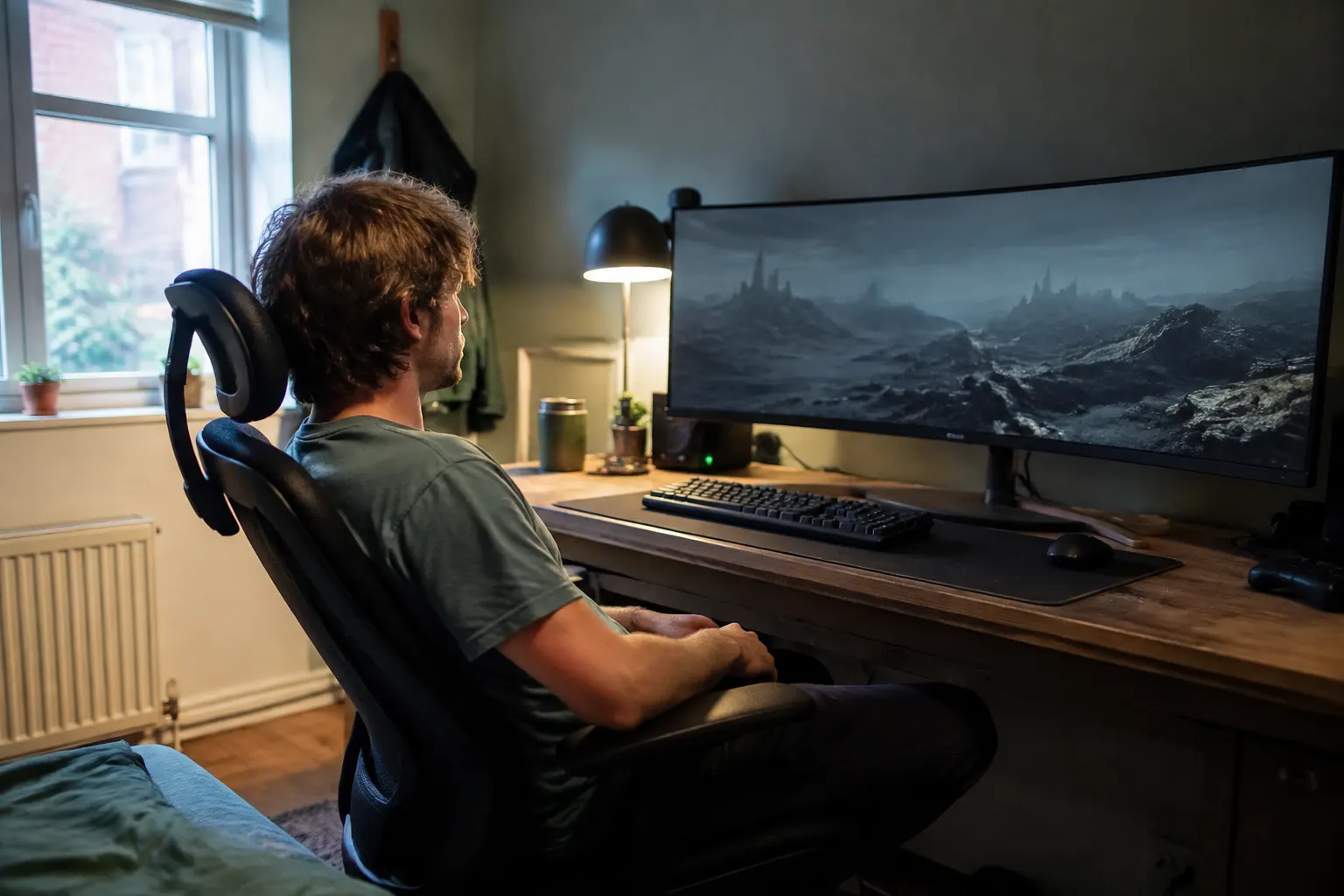
A wide or curved monitor covers much more of your peripheral vision, and peripheral vision is exactly where the brain reads self-motion most strongly. So panning, scrolling or a wide game field of view feels more like real movement than the same content would on a small screen. The conflict is the usual one, amplified by how much of your vision the screen fills.
What actually helps
Where the setting lives
- Windows
Settings > Accessibility > Visual effects > Animation effects (off) - macOS
System Settings > Accessibility > Display > Reduce motion
- Sit farther back so the panel covers less of your field of view.
- Lower the in-game field of view, and for motion-heavy content work or play in a centered window rather than across the full width.
- Reduce desktop animation: on Windows, Settings > Accessibility > Visual effects > Animation effects off; on macOS, System Settings > Accessibility > Display > Reduce motion.
- Take breaks and keep the room lit so your eyes have a still reference beyond the screen.
Frequently asked questions
Why does my ultrawide monitor make me feel sick?
Because it fills much more of your peripheral vision, which is where your brain reads self-motion most strongly. Panning, scrolling or a wide game field of view then feels closer to real movement while your body stays still, and that mismatch is what motion sickness is. Sitting farther back and lowering the field of view usually helps.
What settings help with curved monitor motion sickness?
Sit farther from the screen, lower the in-game field of view, and for motion-heavy content use a centered window instead of the full width. Calm desktop animation too: on Windows at Settings > Accessibility > Visual effects, and on macOS at System Settings > Accessibility > Display > Reduce motion. Breaks and a lit room help your eyes reset.
Will I get used to an ultrawide, or should I send it back?
Give it short sessions across the first week or two rather than a full day on day one. Adapting to a wider field of view works like finding your sea legs, and plenty of people report that it settles. Some people never adapt, so check the return window before you start, and take symptoms that are not improving after a couple of weeks as your answer.
Is a curved monitor better or worse than a flat one for this?
There is no clear answer, and anyone who gives you a firm one is guessing. A curve keeps the whole panel at a similar distance from your eyes, which some people find calmer. Others report that the wrap makes the sense of motion stronger, because more of the picture sits in their peripheral vision. Try both if you can before you commit.
What field of view should I set in games?
There is no single number that works. Field of view interacts with how wide your panel is and how close you sit, so the right value is the one where the edges of the screen stop pulling at you. Drop it in steps of about ten and play a few minutes at each, and expect your comfortable setting to be lower than the number a game suggests for a normal screen.
Step away from the display
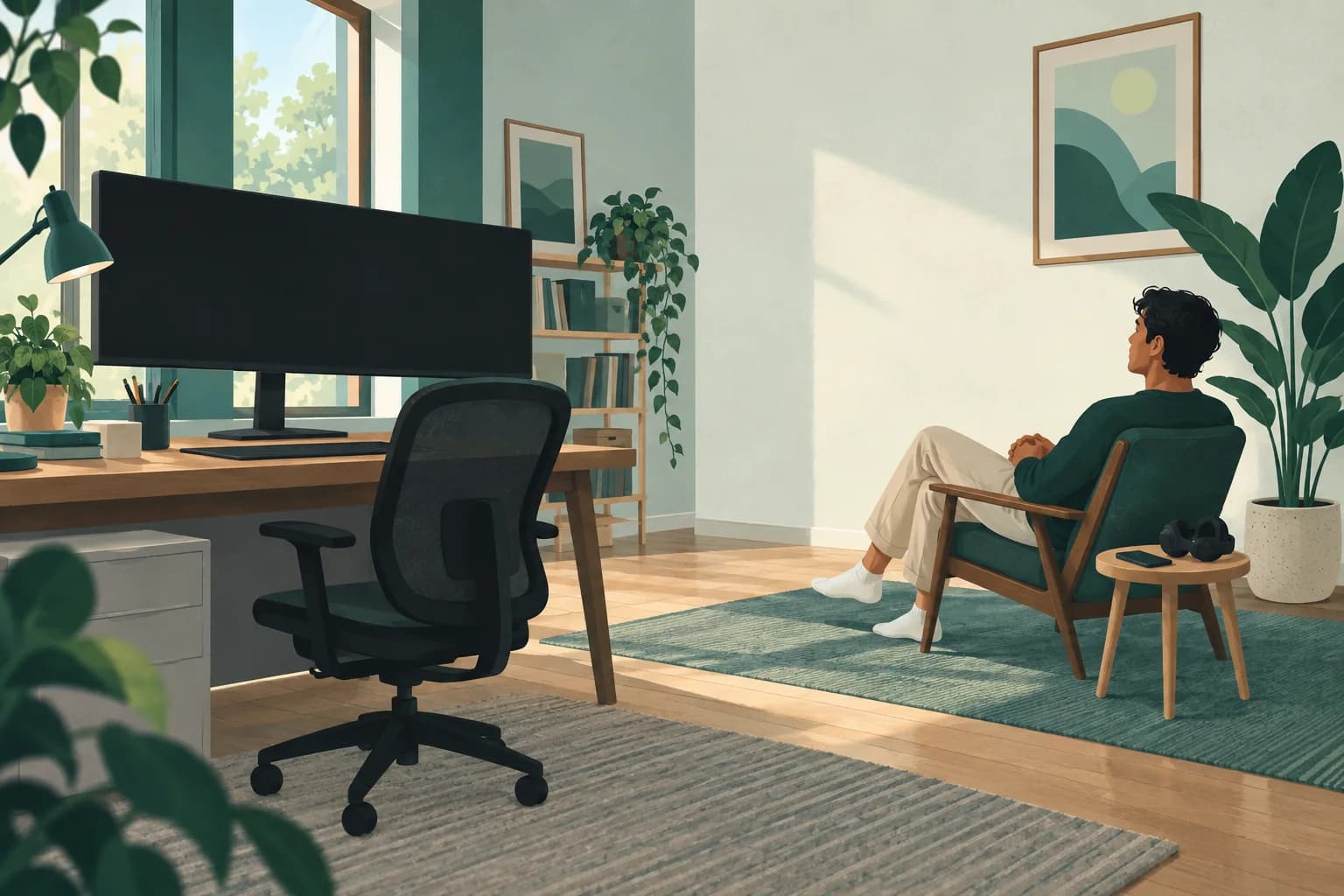
Move away from the monitor before preparing another device. If you want to try Dizzout during a break, have ordinary headphones ready.
Free to download. Paid subscription for full access. Or go straight to the App Store or Google Play.
 Scan to open on your phone
On a computer? Dizzout installs on your phone. Scan the code, or open dizzout.com/get on your phone and it'll take you straight to the right store.
Know someone who gets motion sick?
Send them the app that helps stop it, drug-free, in about 90 seconds, works with any headphones. Free to try.
More screen triggers
Related
- What cybersickness isThe screen version of motion sickness, and the three symptom groups it comes in.
- Does your phone have a motion sickness setting?Which makers built one in, and what the built-in features cannot do.
- VR motion sickness (headset version)Why headsets trigger it, the comfort settings that help most, and how to build tolerance.
- Video game motion sickness, by gameThe 20 games players report most, each with the settings that help.
Sources & further reading
Your next question, probably
Does your phone have the setting?
iPhone, Samsung and Pixel, and what each one cannot do
If that is not your question:
Settings paths were checked at the makers' own support pages and at MDN as of August 2026, where a first-party source exists; the rest is labelled reported and dated. Device menus change with software updates and vary by model, so your own settings menu is the final word. Apple, Samsung, Sony, LG, TCL, Roku, Vizio, Amazon, TikTok, Instagram, Google and DJI are trademarks of their respective owners; Dizzout is not affiliated with or endorsed by them. Sensitivity varies from person to person; this page is informational and not medical advice.