VR Comfort Settings: How to Prevent Cybersickness Before It Starts
In short
VR has no best seat and no real horizon. Start Dizzout before the session, use comfort settings, play seated, and stop if symptoms begin.
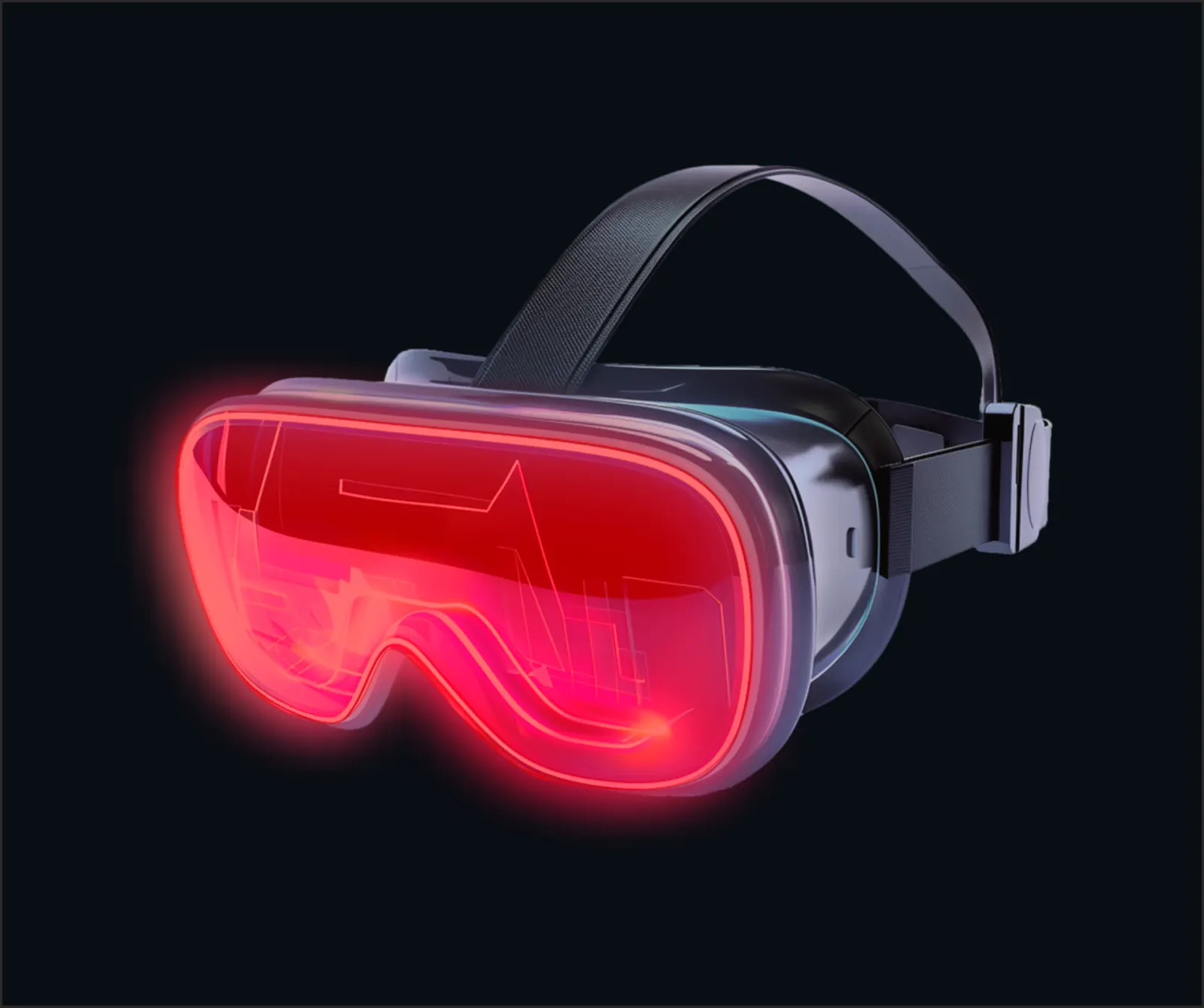
Zones of motion sickness probability
Try Dizzout free. Free, drug-free, works once symptoms start, on any headphones.Free · works with any headphones · no account to try
Free to try, no card needed. Or go straight to the App Store or Google Play.
Why motion sickness happens on a VR
Motion sickness in VR happens because your eyes see movement inside the headset, while your body and inner ear do not feel the same real movement. This mismatch is different from car, bus, plane, or ship sickness, because in transport your body is physically moving, but in VR the movement is mostly visual. The effect becomes stronger in games with smooth walking, smooth turning, driving, flying, falling, fast camera movement, or sudden changes in direction.
The safest zone on a VR
Unlike transportation, VR does not have a 'best seat,' a real horizon, or a road ahead that you can focus on. You cannot fix it by moving to a more stable place, because the motion conflict is happening inside the headset.
The best choice is to prepare before the session: start Dizzout (Pre-Conditioning Mode) before putting on the headset, play seated at first, keep the room cool, and use comfort settings if the game has them.
Avoid: Avoid forcing yourself to continue if nausea starts, because VR sickness can build quickly.
Best seat or position
The safest setup is to start with short sessions and avoid intense movement games if you get sick easily. If possible, use teleport movement instead of smooth walking, snap turning instead of smooth turning, and turn on comfort options such as reduced motion, vignette, tunnel vision, or comfort mode.
🎧 Before you travel: Pre-Conditioning mode
Listen to the Dizzout Pre-Conditioning Sound for 90 seconds before you start moving. It helps prepare your vestibular system and significantly reduces the chance of motion sickness developing.
Know someone who dreads this trip?
Send them this guide before they board — seats, settings and what to do if it starts.
If motion sickness starts: what to do
Pause the game, remove the headset, sit still, breathe slowly, and let your body reset. Do not keep playing through nausea.
Feeling it right now? Get the 60-second protocol →
Already feeling sick?
Open Dizzout in 'I'm feeling sick' mode and listen for 3–5 minutes. Most users feel relief in about 90 seconds. Drug-free, works on any headphones.
What about motion sickness medication?
Some travelers use over-the-counter options like dimenhydrinate (Dramamine) or meclizine (Bonine); the common trade-off reported on their labels is drowsiness, and they're generally taken before travel rather than after symptoms start. Our plain-English medication guide covers what each one is, side effects, and who should check with a doctor or pharmacist first (it's educational, not medical advice). Prefer to skip pills? Dizzout is a drug-free option that works through any headphones — see how it works.
Frequently asked questions
Why do I get motion sickness on a vr?
Motion sickness in VR happens because your eyes see movement inside the headset, while your body and inner ear do not feel the same real movement. This mismatch is different from car, bus, plane, or ship sickness, because in transport your body is physically moving, but in VR the movement is mostly visual. The effect becomes stronger in games with smooth walking, smooth turning, driving, flying, falling, fast camera movement, or sudden changes in direction.
What is the best seat to avoid motion sickness on a vr?
The safest setup is to start with short sessions and avoid intense movement games if you get sick easily. If possible, use teleport movement instead of smooth walking, snap turning instead of smooth turning, and turn on comfort options such as reduced motion, vignette, tunnel vision, or comfort mode.
How do I stop motion sickness once it starts?
Pause the game, remove the headset, sit still, breathe slowly, and let your body reset. Do not keep playing through nausea. Sound therapy via the Dizzout app stops symptoms in about 90 seconds without medication.